


What is MapML?
MapML is map markup for web-friendly geospatial delivery. It is readable as markup, but that does not make it a good format to inspect visually in Finder without a dedicated preview.
Fastest way to open MapML on Mac
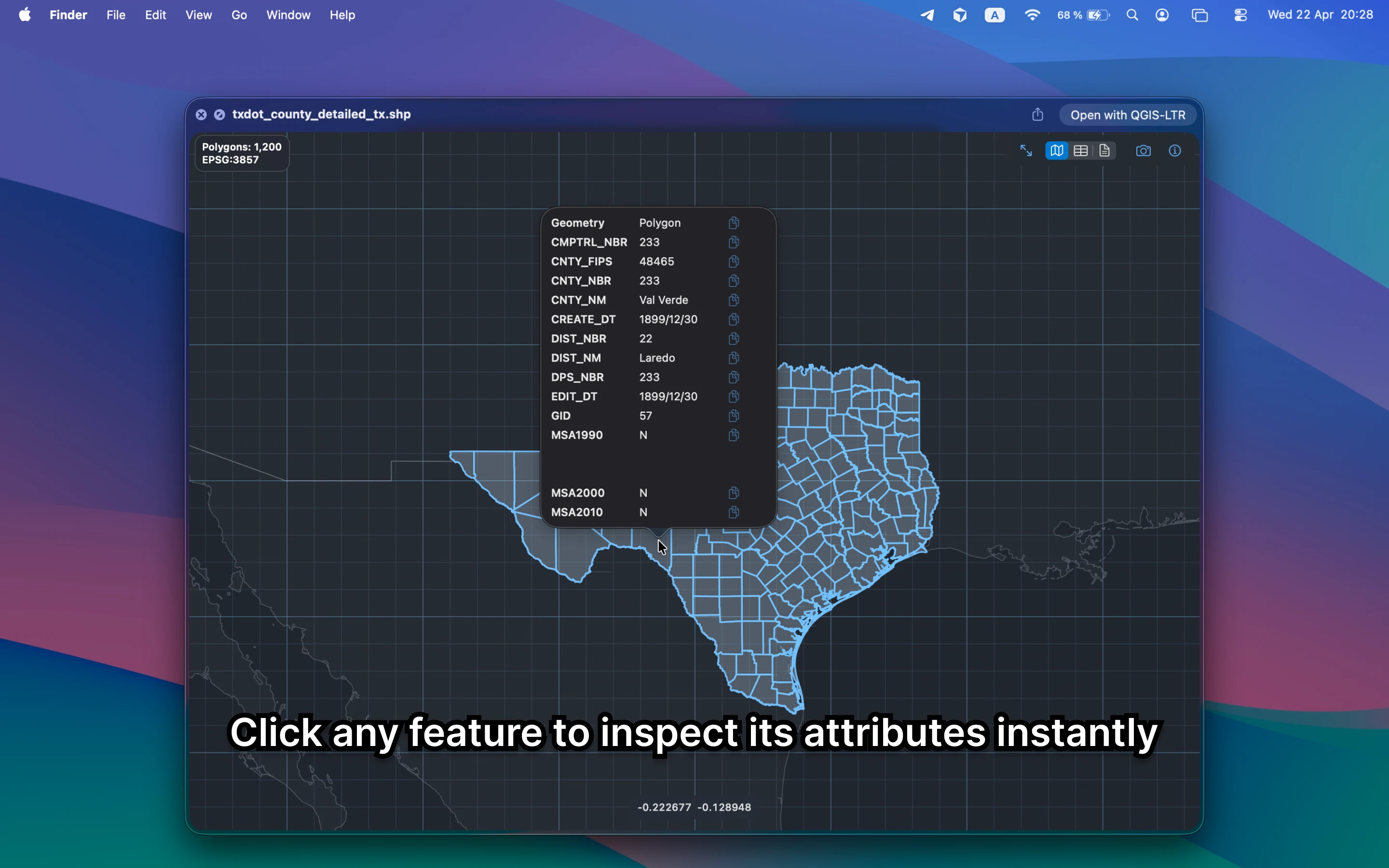
Select the MapML file in Finder and press Space. GeoPreview opens a real map preview with attributes and metadata, so you can confirm the file before moving into a full GIS project.
Quick check before you use the file
Before you send it on or open a bigger GIS project, GeoPreview helps you confirm:
- whether the geometry renders in the right place
- which fields and values arrived with the file
- bounds, CRS, and feature count before you open another GIS app
Alternative tools
QGIS and ArcGIS can open the same file, but they are slower when you only need a quick inspection. Browser viewers add upload friction and are a poor fit for local or private data.
Need to convert or export it?
If you need another format, GeoPreview can handle supported exports directly from Finder after you inspect the file. If export is not available for that file yet, you still get the map, attributes, and metadata immediately.