

What is MVT?
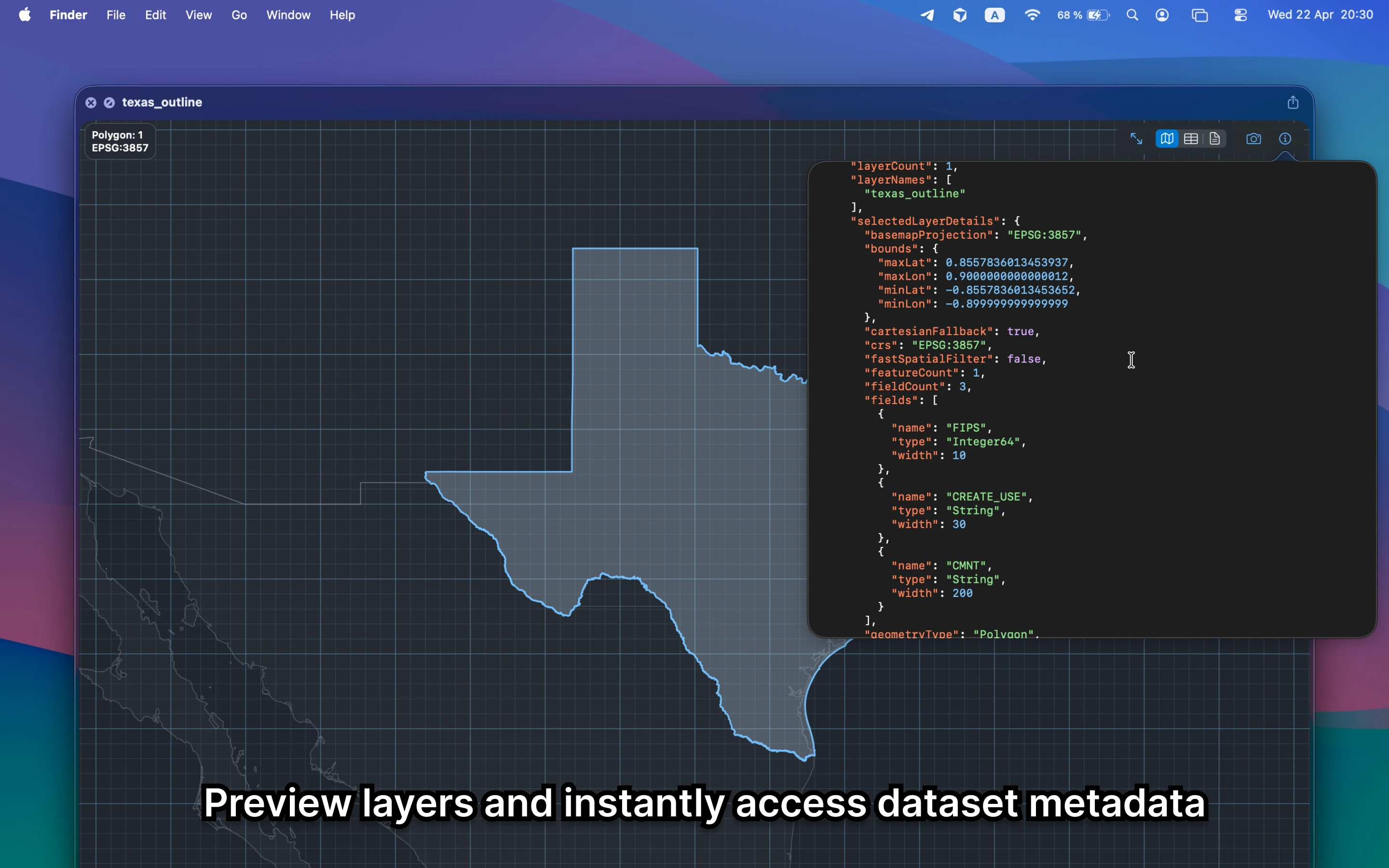
MVT stands for Mapbox Vector Tile. It is meant for fast map rendering, which makes it especially frustrating when Finder can only show a filename.
Fastest way to open MVT on Mac
Select the MVT file in Finder and press Space. GeoPreview gives you a quick read on coverage, structure, and metadata so you know whether it is the right package.
Quick check before you use the file
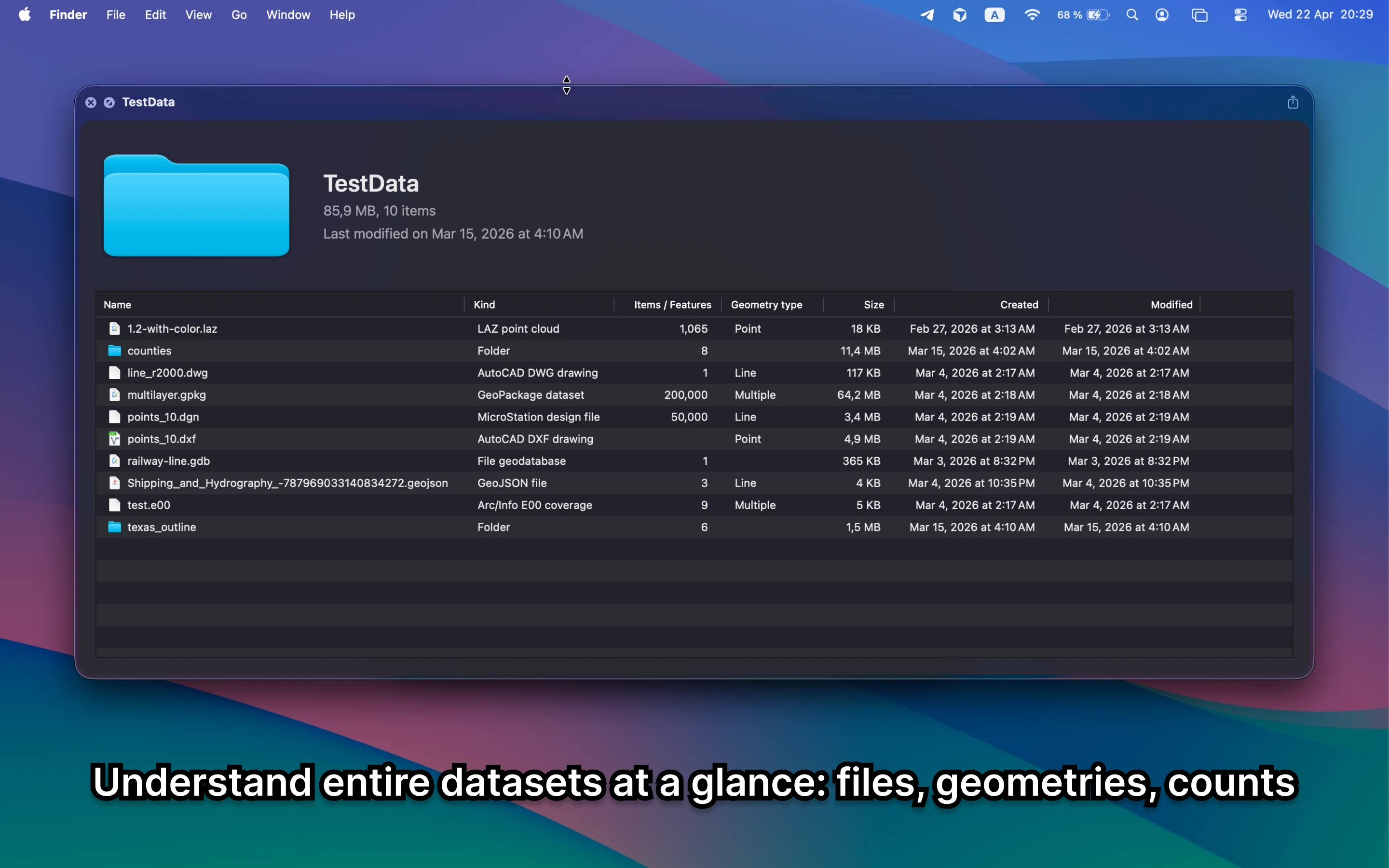
Before you send it on or open a bigger GIS project, GeoPreview helps you confirm:
- coverage and extent before you publish or inspect it elsewhere
- tile or layer structure at a glance
- metadata before you move into a full desktop GIS workflow
Alternative tools
Full GIS and map tooling make sense once you need deeper inspection or publishing work. For a quick local check, GeoPreview gives you the answer faster.
Need to convert or export it?
If you need another format, GeoPreview can handle supported exports after you check coverage and package details. If export is not available for that file yet, you still get the preview and metadata right away.