


What is XYZ?
XYZ files store coordinate values in plain text. The format is simple, but that does not make raw inspection pleasant when you really need a spatial preview.
Fastest way to open XYZ on Mac
Select the XYZ file in Finder and press Space. GeoPreview shows the drawing in geographic context, along with any useful metadata the file carries.
Quick check before you use the file
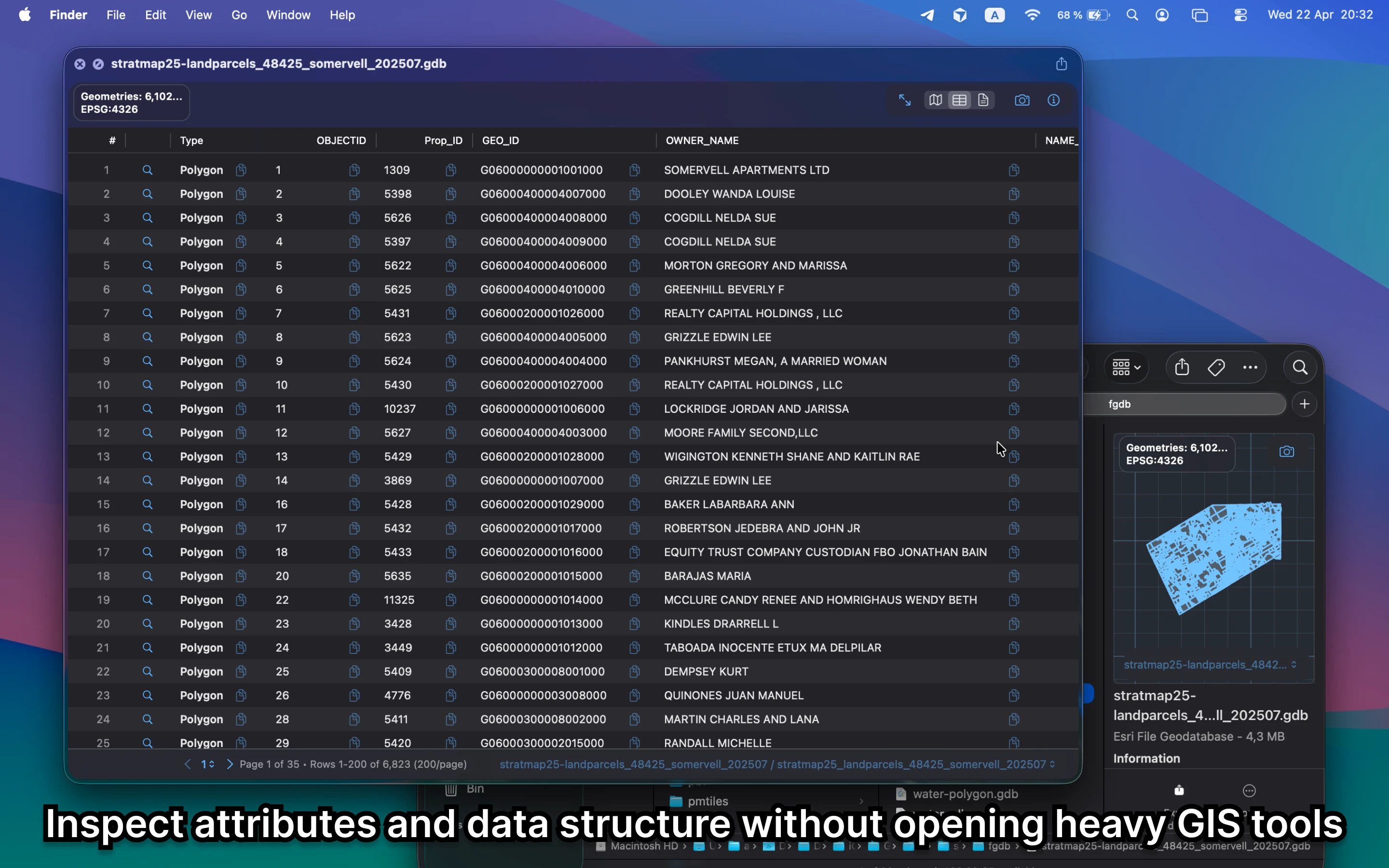
Before you send it on or open a bigger GIS project, GeoPreview helps you confirm:
- whether the geometry covers the right area
- any layer or attribute detail available in the file
- bounds and coordinate context before you open a full CAD or GIS app
Alternative tools
CAD and GIS apps are the right tools for editing and transformation-heavy work. For a quick visual check on Mac, GeoPreview gets you to the answer faster.
Need to convert or export it?
If the handoff needs a different delivery format, GeoPreview can handle supported exports from Finder. If export is not available for that file yet, you still get the visual check and metadata first.