

When do you need a QGIS alternative?
When the problem is inspection, not full GIS work. A lot of file triage is about opening the source, checking geometry, attributes, and metadata, then deciding whether it deserves a deeper GIS session at all.
Fastest QGIS alternative for quick file inspection on Mac
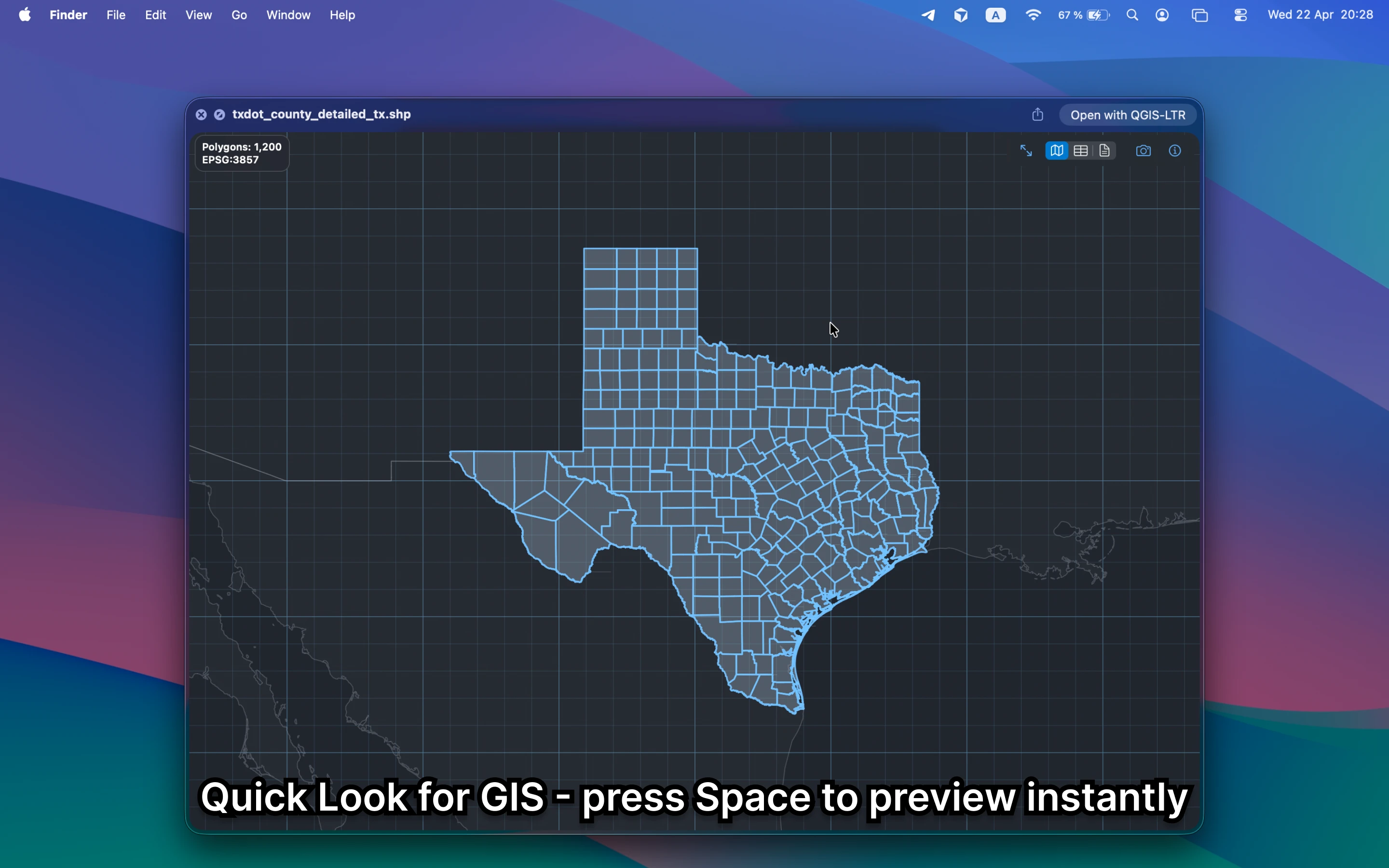
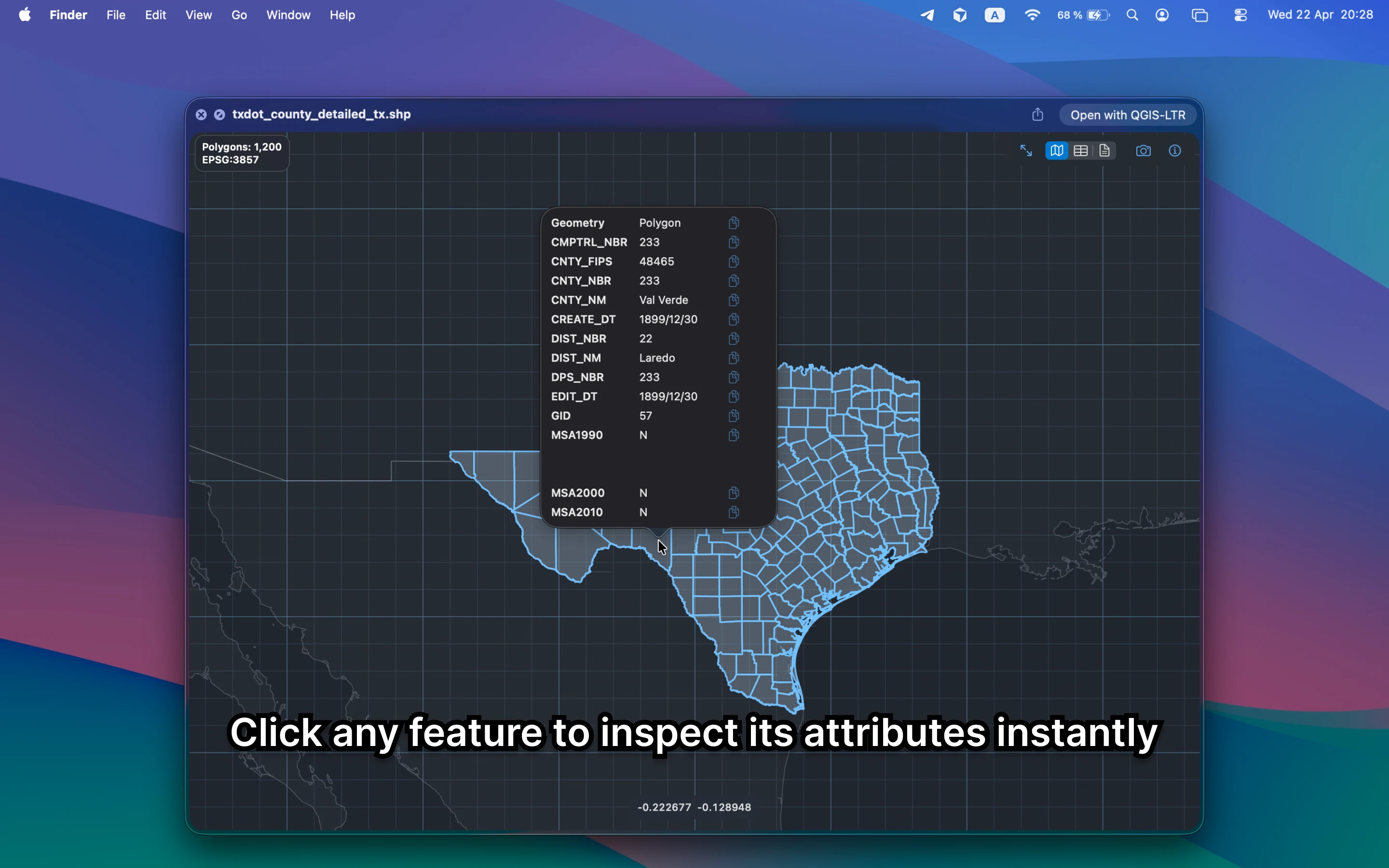
GeoPreview stays inside Finder. Select the file, press Space, and use Quick Look to see the map, the available attributes, and the key metadata without creating a QGIS project just to answer a basic question.
Quick check before you use the file
A lighter QGIS alternative should help you confirm:
- whether the file is the right dataset before you open a heavier GIS workspace
- attributes, layers, and metadata that matter for a quick handoff review
- that the workflow stays local and private instead of moving into an upload tool
When QGIS is still the right tool
QGIS remains the better choice for editing, reprojection, styling, plugins, and analysis. GeoPreview is better when the task is smaller: open the file quickly, inspect it locally, and keep moving.
Need to convert or export it?
After you preview the file, GeoPreview can also handle supported exports from Finder. That means the same quick tool can often cover both the check and the handoff.