
What should a GeoJSON viewer on Mac show?
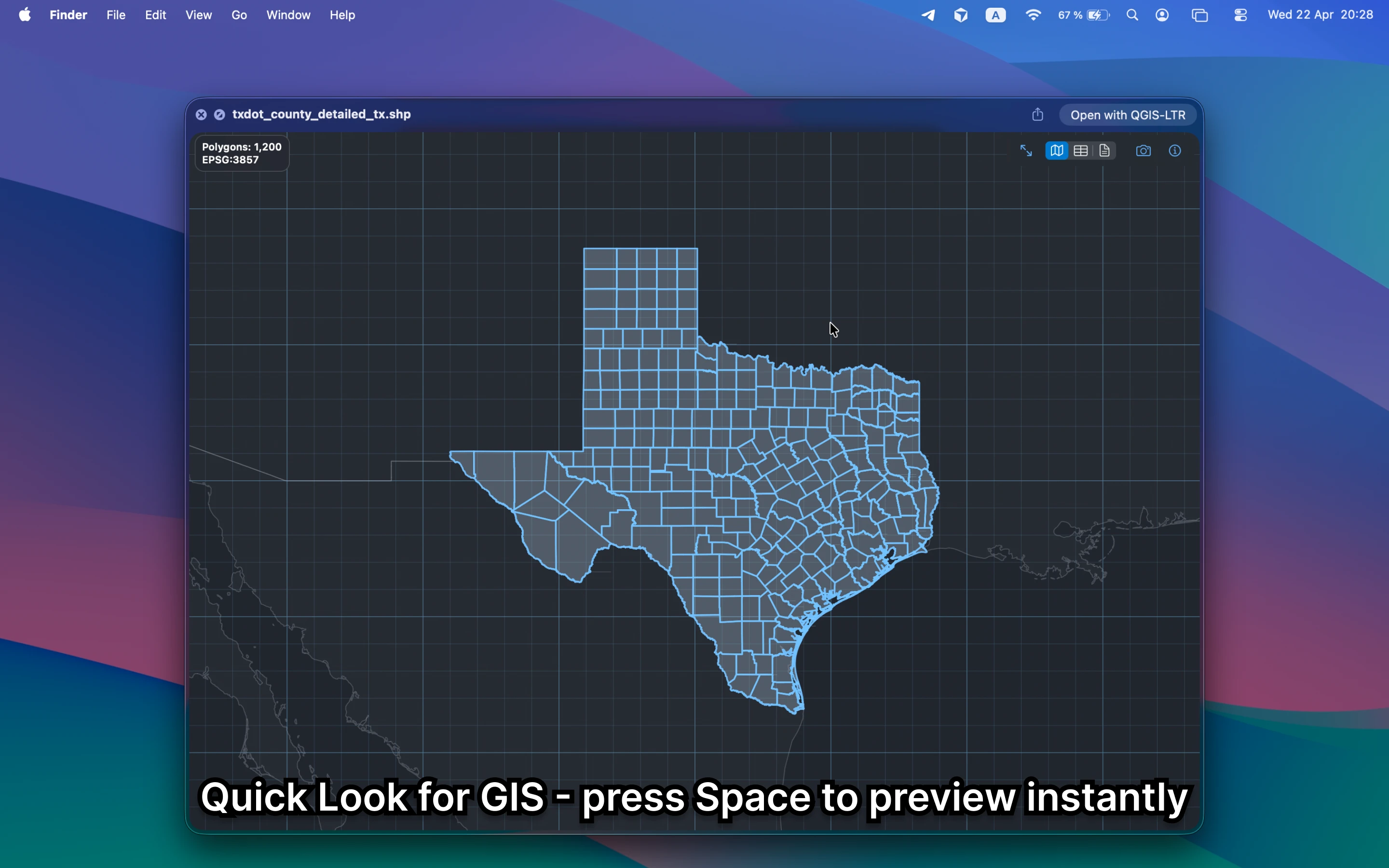
It should show the actual map, not just raw JSON. For quick review work, you want geometry, properties, bounds, and metadata without leaving Finder or uploading the file to a browser tool.
Fastest way to view GeoJSON on Mac
Select the GeoJSON file in Finder and press Space. GeoPreview turns Quick Look into a real GeoJSON viewer with map preview, attributes, and metadata in the same place.
Quick check before you use the file
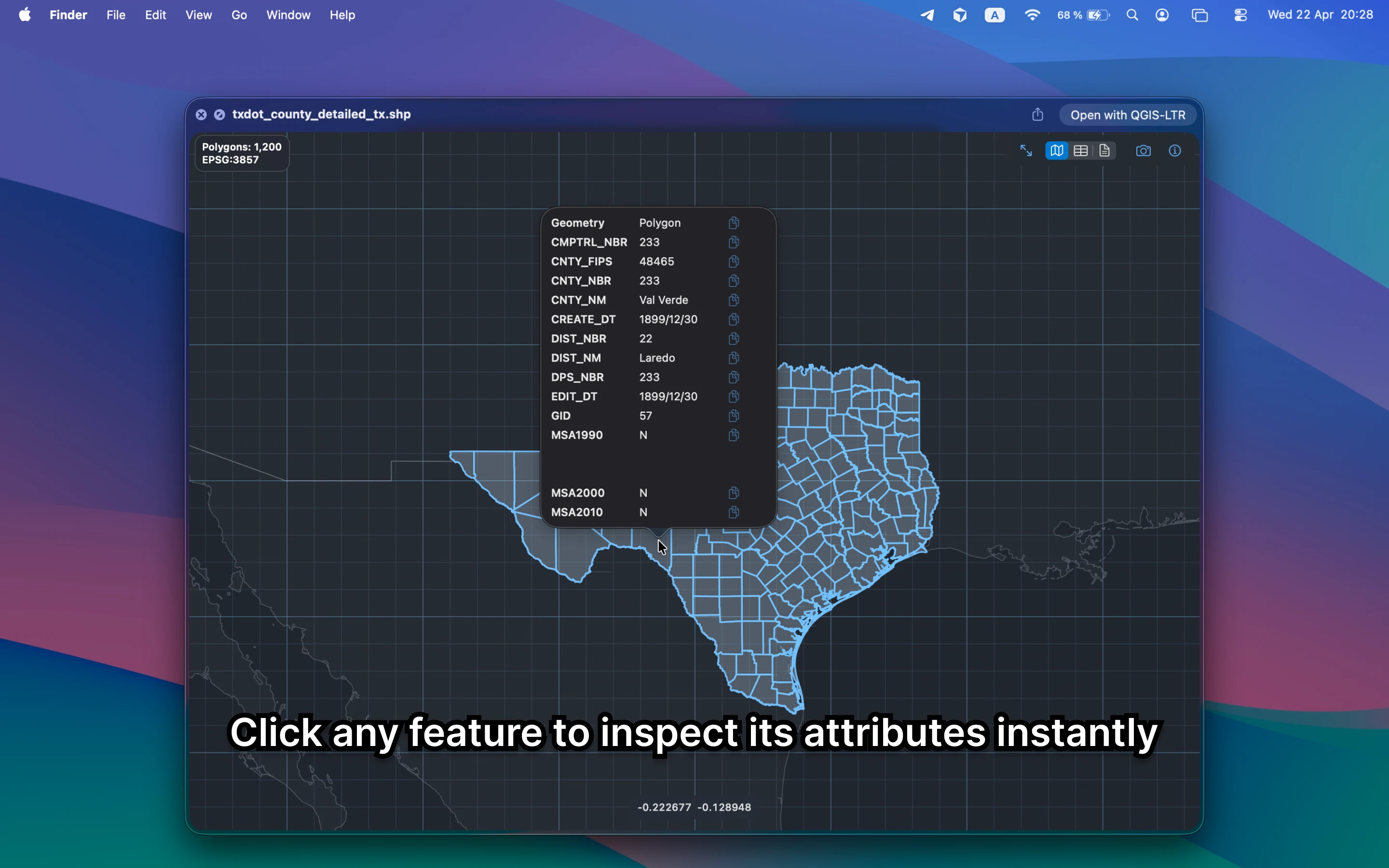
A useful GeoJSON viewer should let you confirm:
- geometry and coverage before you open a larger GIS workflow
- properties and field values without reading raw JSON
- bounds, CRS, and feature counts before you share or convert the file
Alternative tools
Browser GeoJSON viewers can work for public files, but they add uploads and context switching. QGIS is more powerful, but it is slower than necessary when the task is only to view the file quickly on Mac.
Need to convert or export it?
Once the GeoJSON file looks right, GeoPreview can handle supported exports from Finder. That keeps a simple view-and-send task lightweight.