

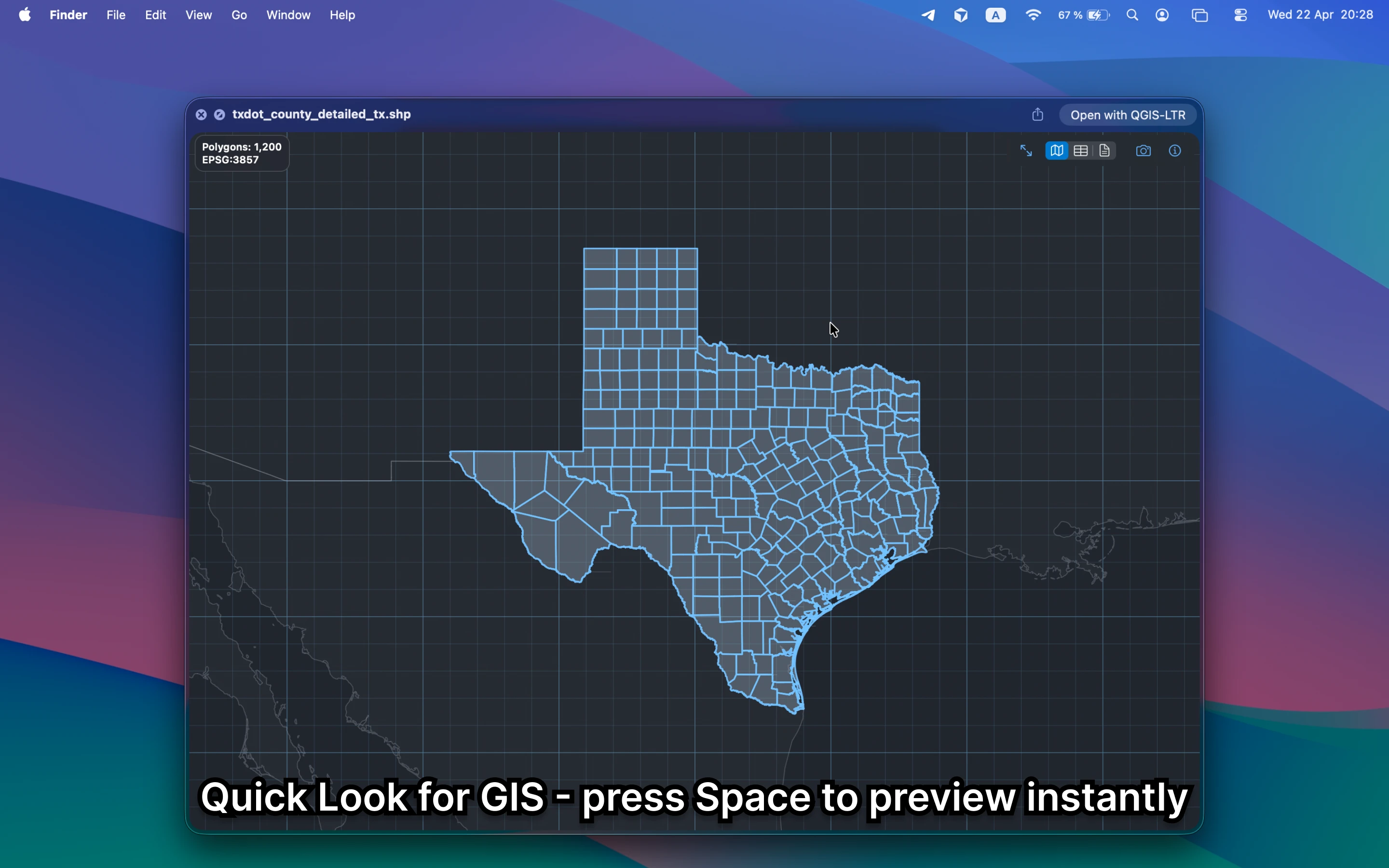
What should a GPX viewer on Mac show?
It should show tracks, routes, waypoints, and their rough coverage immediately. Finder alone cannot do that, which is why even simple GPX checks often become larger mapping workflows than they need to be.
Fastest way to view GPX on Mac
Select the GPX file in Finder and press Space. GeoPreview turns Quick Look into a practical GPX viewer with map preview, metadata, and property context when the file includes it.
Quick check before you use the file
A useful GPX viewer should let you confirm:
- that the route or track is the right one before deeper work
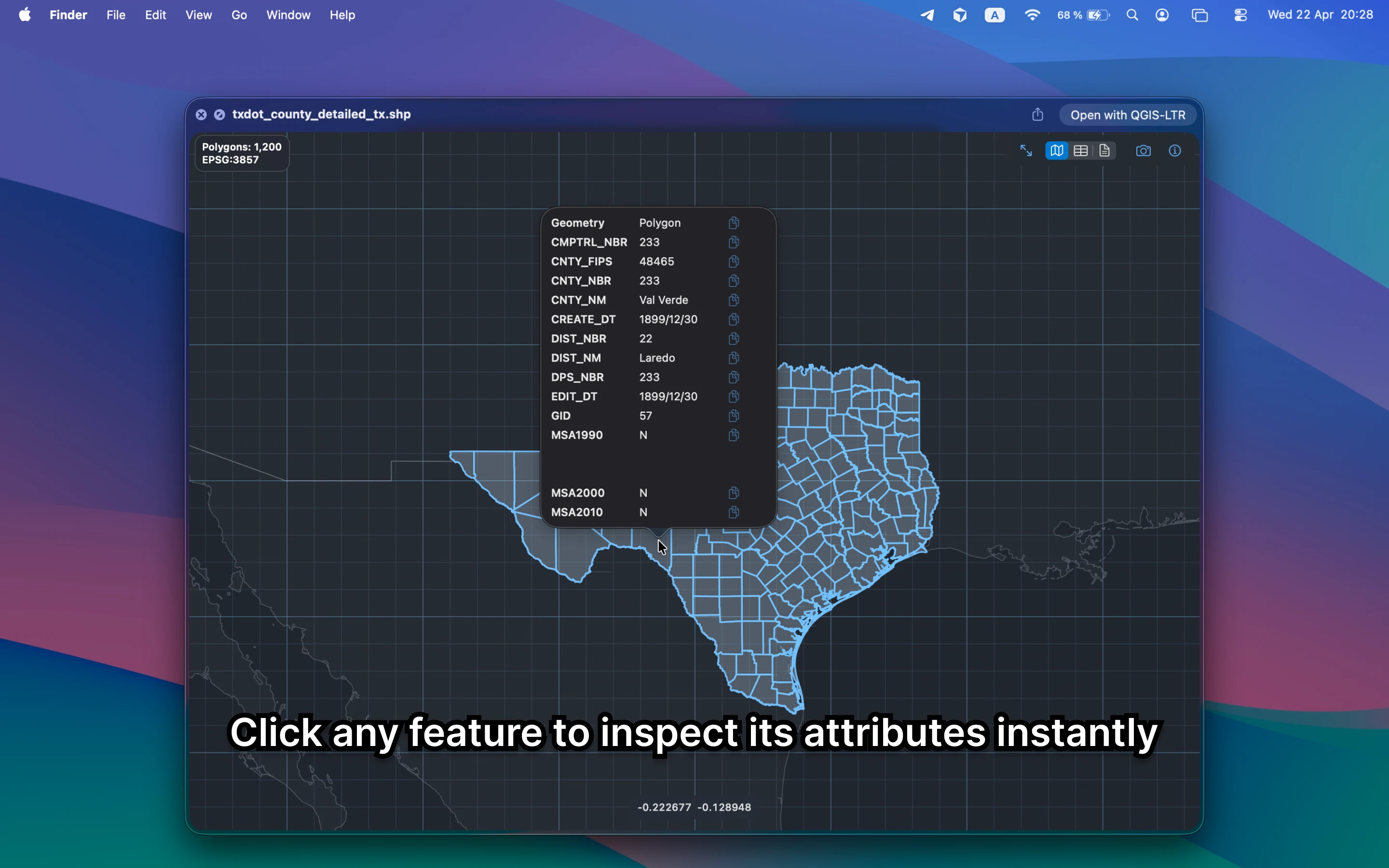
- waypoints, names, and basic properties without opening another app
- bounds, counts, and metadata before you send the file onward
Alternative tools
Route apps, browser tools, and QGIS can all open GPX, but they are slower or less private when the only goal is to inspect the file quickly on Mac. GeoPreview keeps the workflow local and fast.
Need to convert or export it?
After the preview step, GeoPreview can handle supported exports from Finder. That is a better path when the task is only a quick route check and a lightweight handoff.