

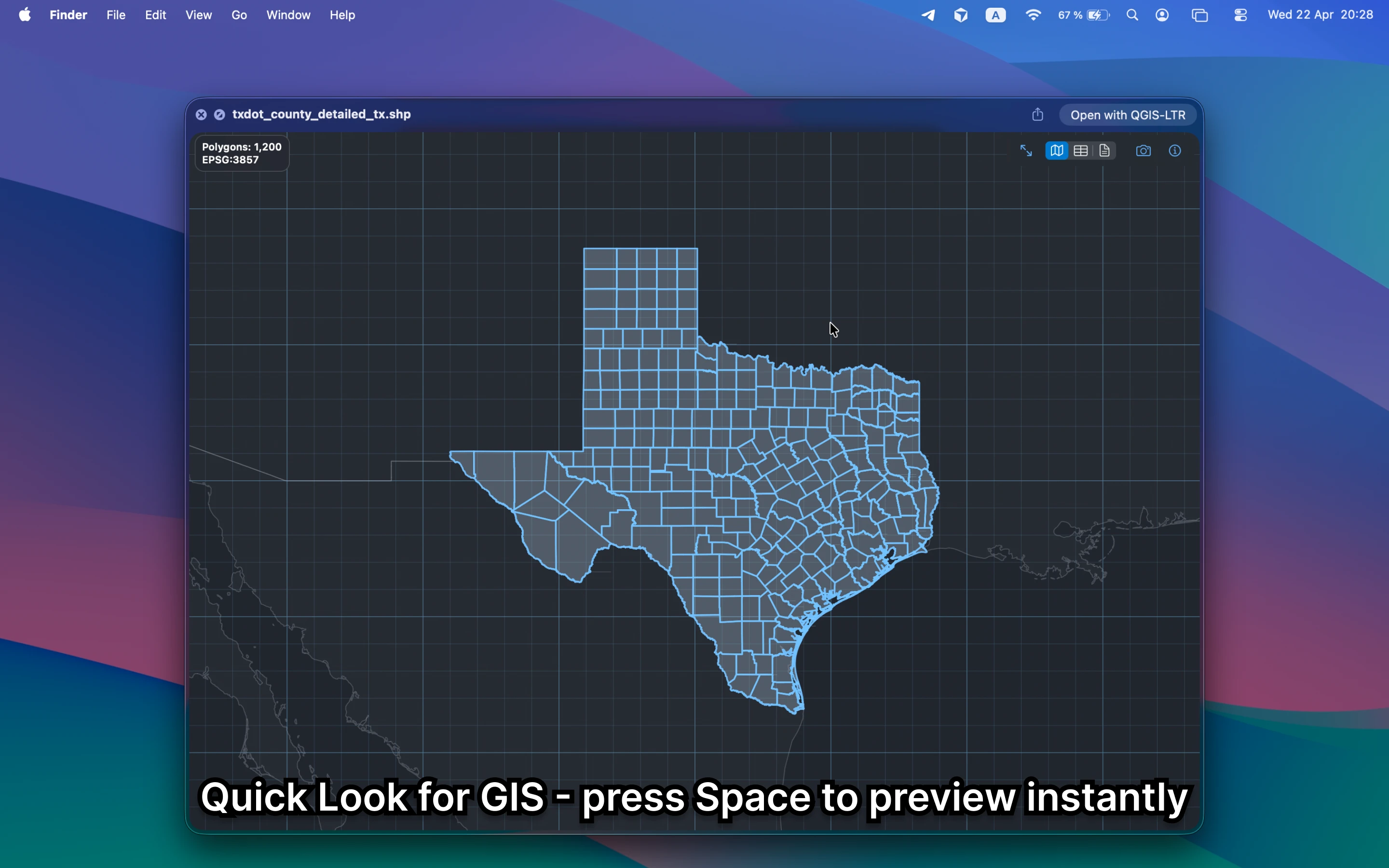
What should a KML viewer on Mac show?
It should show placemarks, lines, polygons, and the overall map coverage without forcing you to read markup. Finder alone does not do that, even though KML is still a common handoff format.
Fastest way to view KML on Mac
Select the KML file in Finder and press Space. GeoPreview turns Quick Look into a practical KML viewer with map preview, metadata, and property context in the same place.
Quick check before you use the file
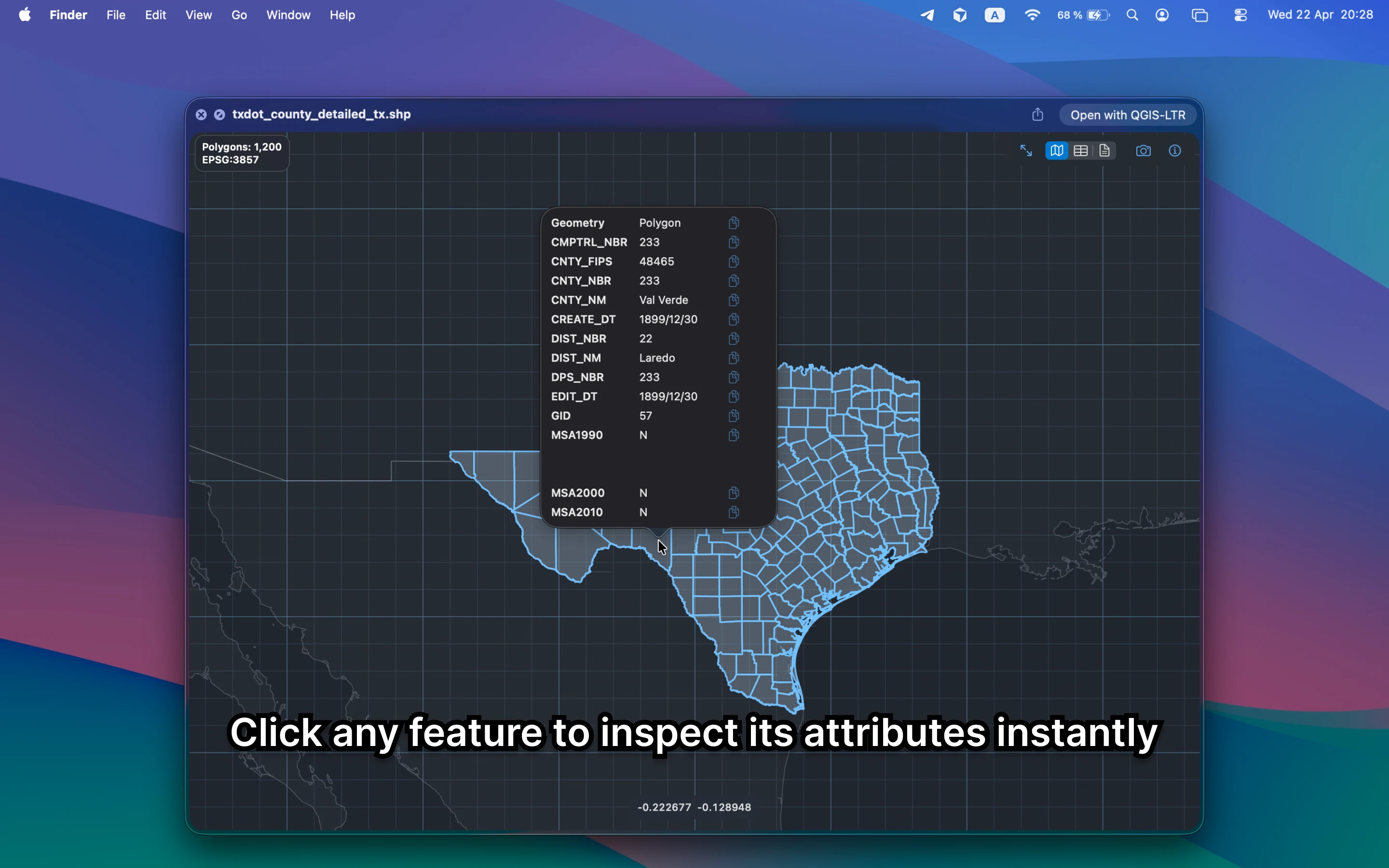
A useful KML viewer should let you confirm:
- that the geometry is in the expected place before you open a larger GIS workflow
- names, properties, and feature context without reading raw XML
- bounds and metadata before you share, convert, or archive the file
Alternative tools
Google Earth and QGIS can both handle KML, but they are heavier than necessary when the task is only to inspect the file quickly on Mac. Browser tools also add uploads and context switching.
Need to convert or export it?
Once the KML file looks right, GeoPreview can handle supported exports from Finder. That makes lightweight handoffs much simpler than opening a full GIS session first.