

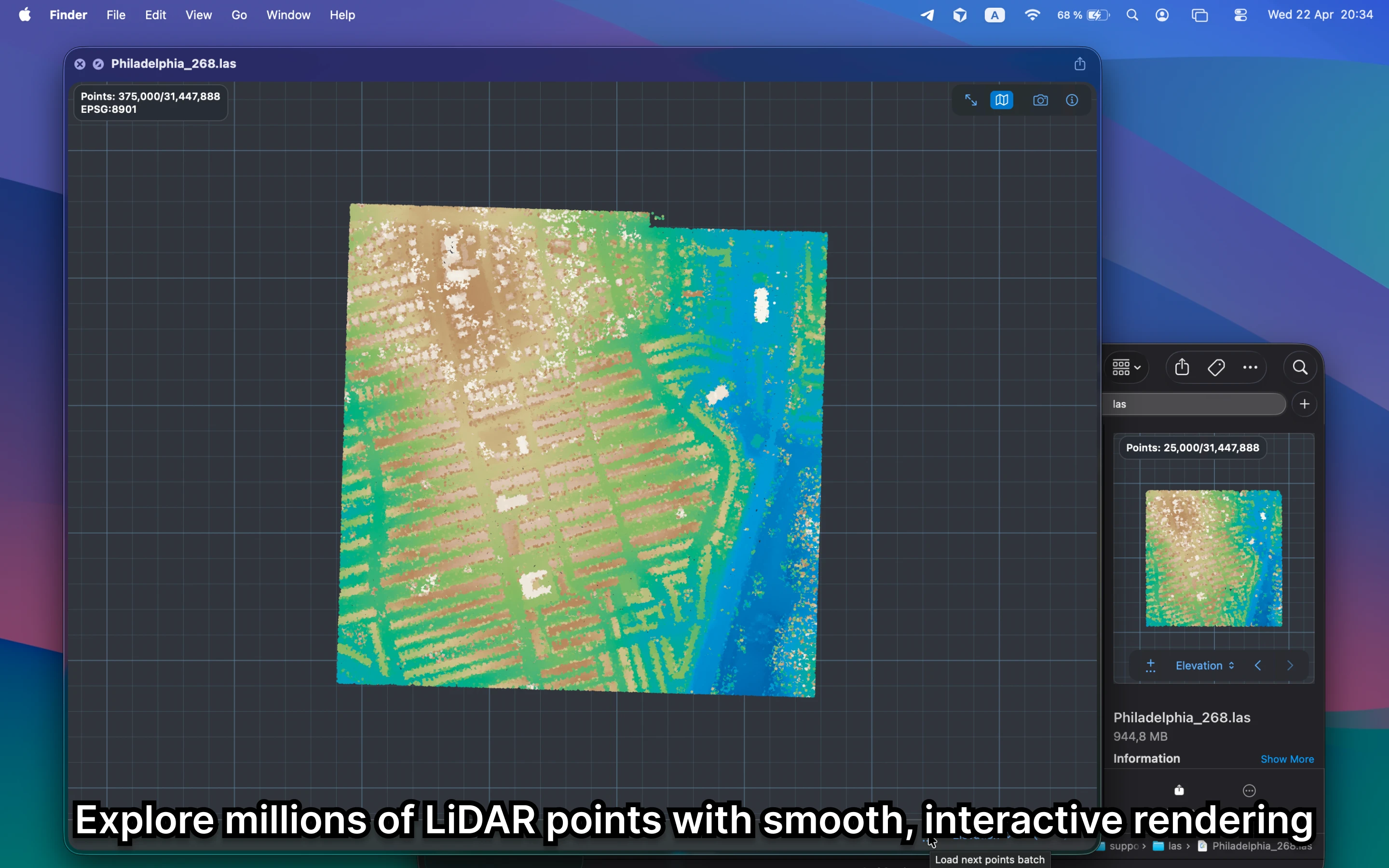
What should a LAS viewer on Mac show?
It should show rough coverage, density, and whether the point cloud is sane before you open a dedicated LiDAR or GIS tool. Finder alone cannot answer that for LAS files.
Fastest way to view LAS on Mac
Select the LAS file in Finder and press Space. GeoPreview gives you a rendered LiDAR preview and the first metadata you need without starting a heavier point-cloud workflow.
Quick check before you use the file
A useful LAS viewer should let you confirm:
- coverage and rough density before you open a dedicated point-cloud tool
- that the file preview looks sane in seconds
- metadata such as CRS and basic point information right in Finder
Alternative tools
Dedicated LiDAR tools and full GIS apps still make sense for deeper analysis, classification, and editing. GeoPreview is better when the first job is simply to open the LAS file fast and see whether it is the right one.
Need to convert or export it?
GeoPreview starts with a fast preview. That matters in LiDAR workflows because the earliest decision is often just whether the point cloud is the right one before you open a heavier tool.