
What is File Geodatabase?
A File Geodatabase is an Esri folder-based container that can hold multiple layers and tables. It is powerful, but the folder structure is not self-explanatory in Finder.
Fastest way to open File Geodatabase on Mac
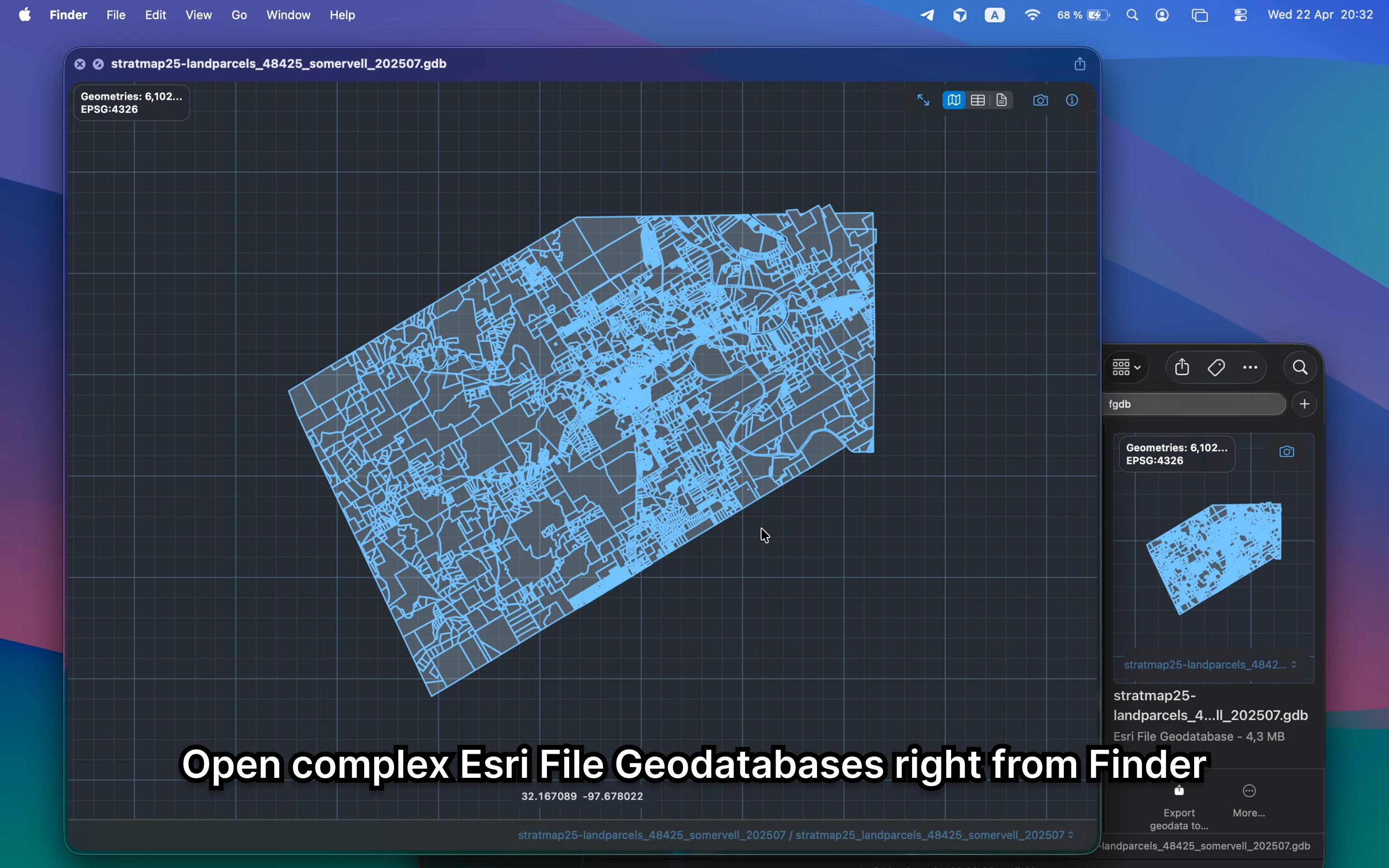
Select the `.gdb` folder in Finder and press Space. GeoPreview shows the layers, geometry, and metadata in one place so you can understand the dataset immediately.
Quick check before you use the file
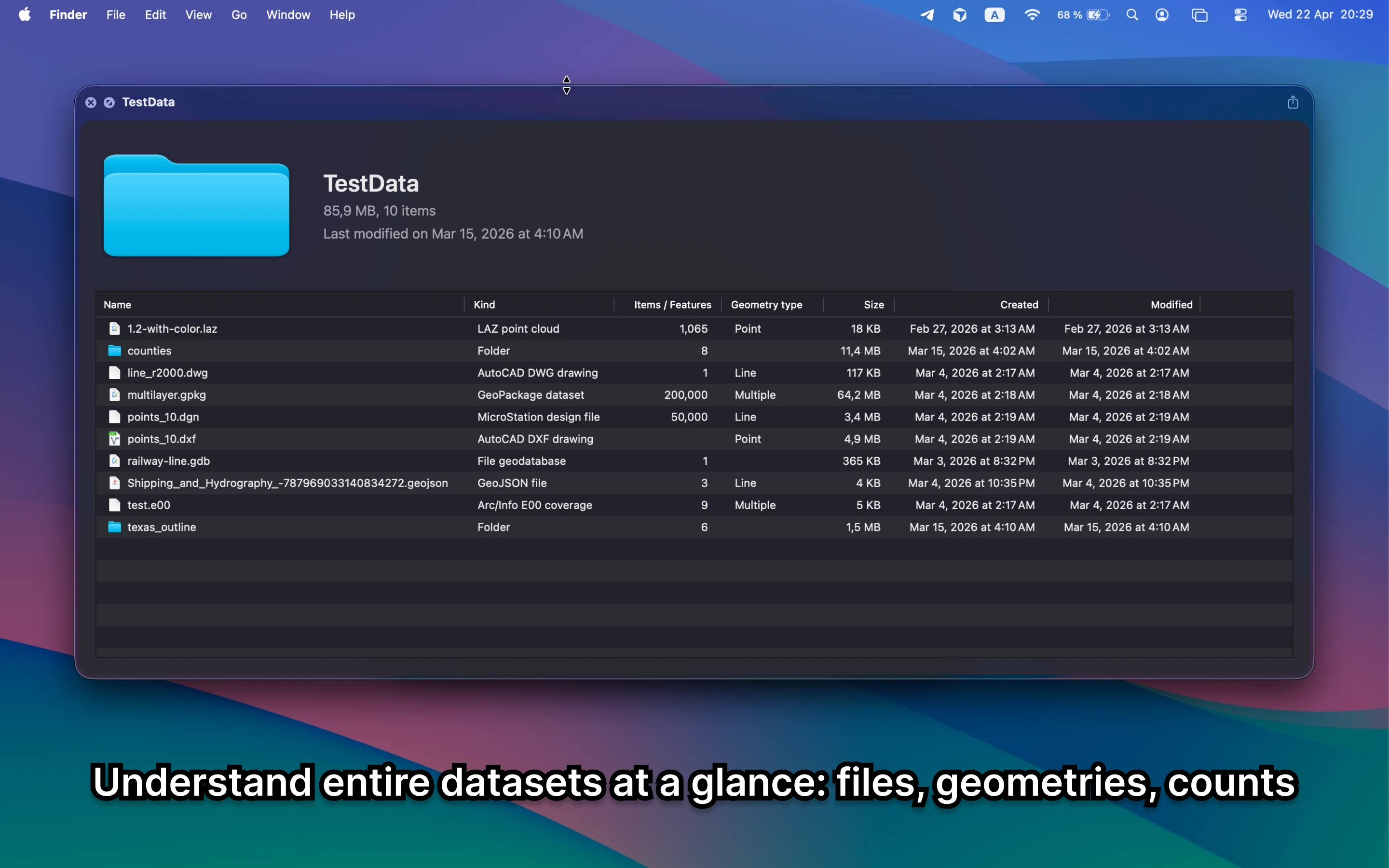
Before you send it on or open a bigger GIS project, GeoPreview helps you confirm:
- which layers are inside the dataset
- how many features you are actually looking at
- bounds, CRS, and dataset metadata before you export or share it
Alternative tools
ArcGIS and QGIS can both open File Geodatabases, but they are slower when you only need to see what is inside the folder. GeoPreview is better for a quick check on Mac.
Need to convert or export it?
If you need a different handoff format, GeoPreview can handle supported exports after you confirm the layers and metadata in Finder. If export is not available for that dataset yet, you still get the fast preview first.