
What is GeoParquet?
GeoParquet stores geometry inside a Parquet dataset. It is ideal for data engineering and analytics, but not something Finder can explain on its own.
Fastest way to open GeoParquet on Mac
Select the GeoParquet file in Finder and press Space. GeoPreview helps you inspect geometry, schema, and metadata without jumping into Python, QGIS, or another data tool first.
Quick check before you use the file
Before you send it on or open a bigger GIS project, GeoPreview helps you confirm:
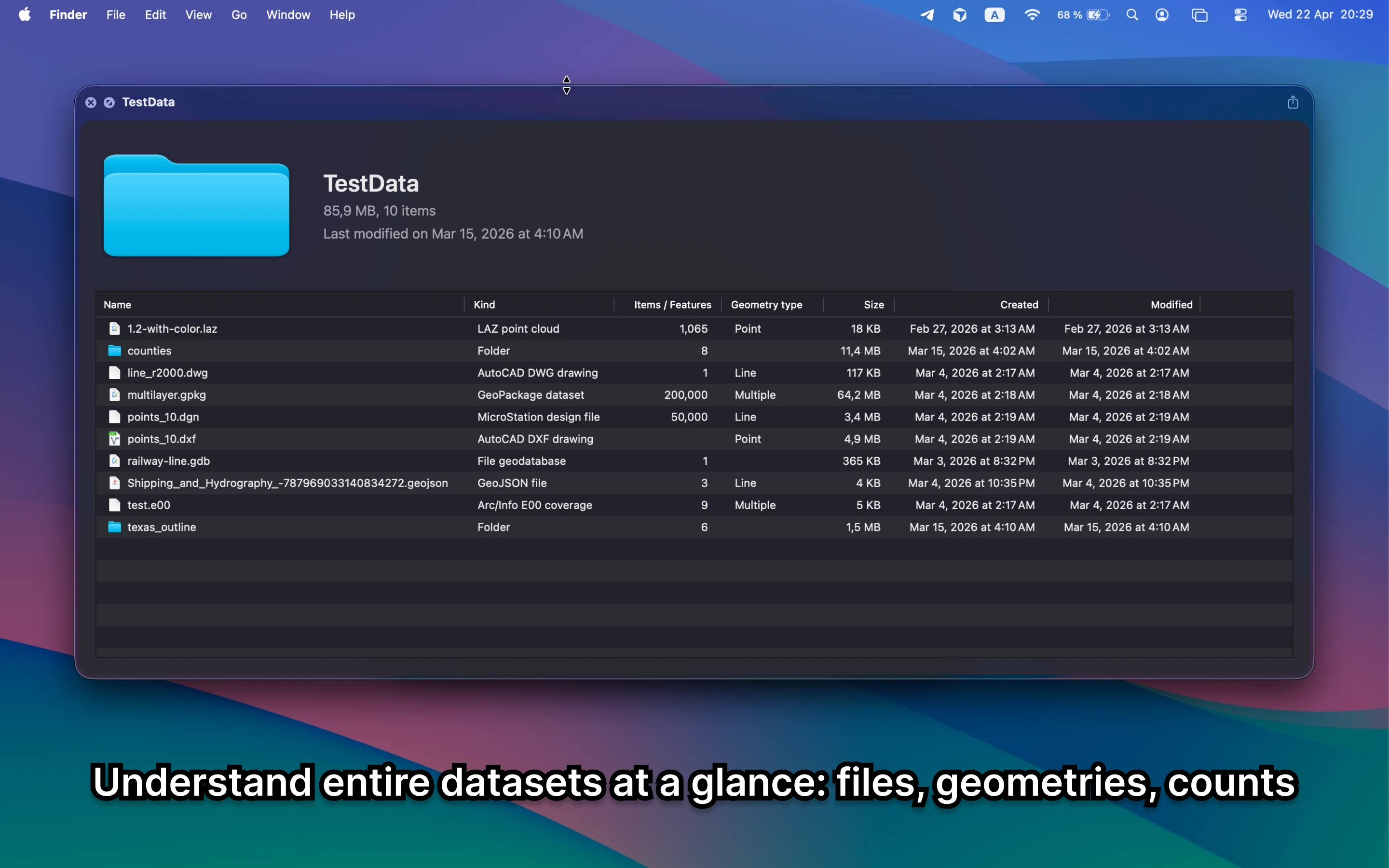
- which files or layers belong to the dataset
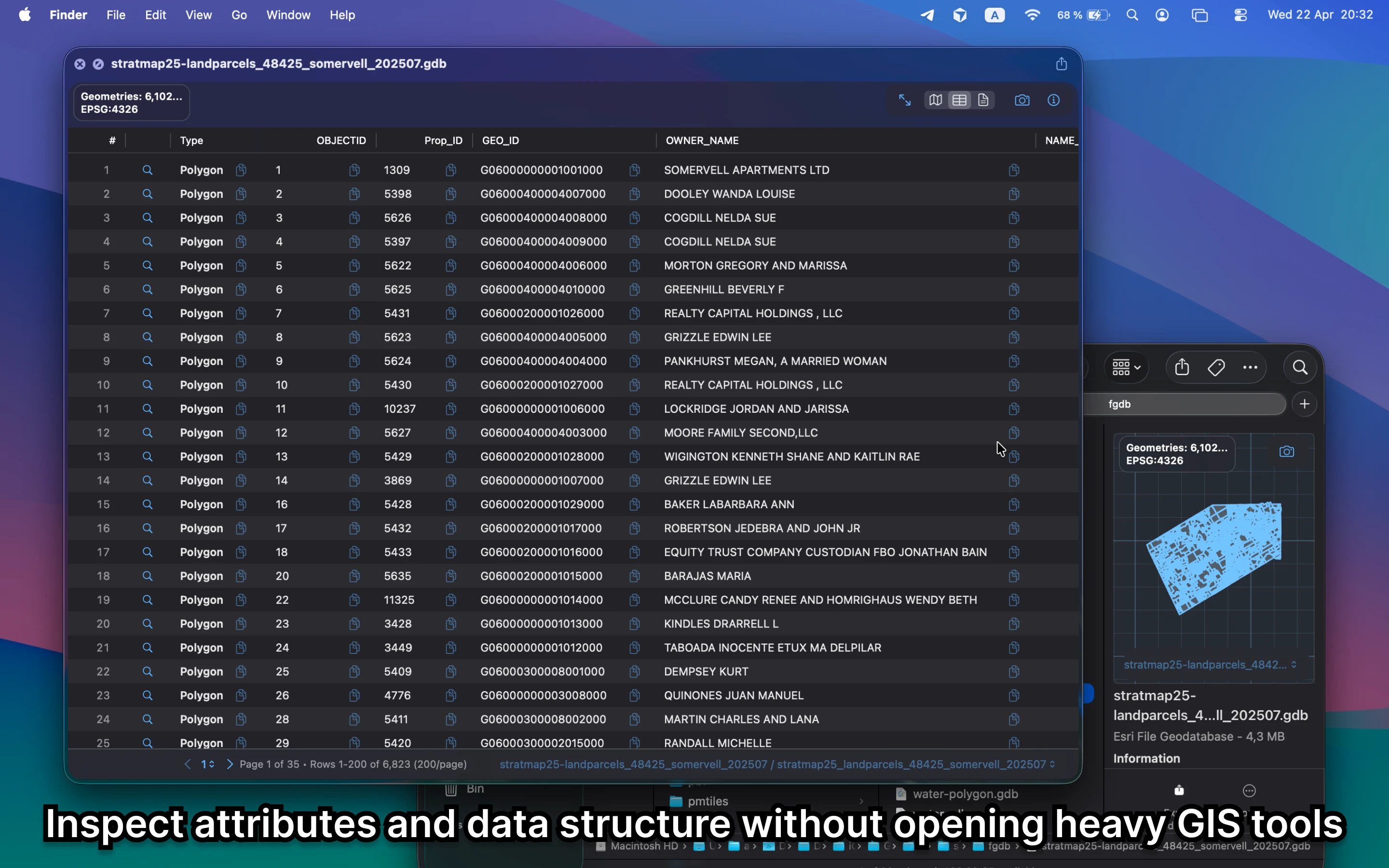
- schema, fields, or tables before deeper work
- bounds, CRS, and counts without opening QGIS
Alternative tools
Data tools and full GIS apps are useful once you need deeper inspection or analysis. For a quick check on Mac, GeoPreview is faster and easier to trust.
Need to convert or export it?
If you need another format, GeoPreview can handle supported exports after you check the schema, geometry, and metadata. If export is not available for that file yet, you still get the quick read on the dataset.