

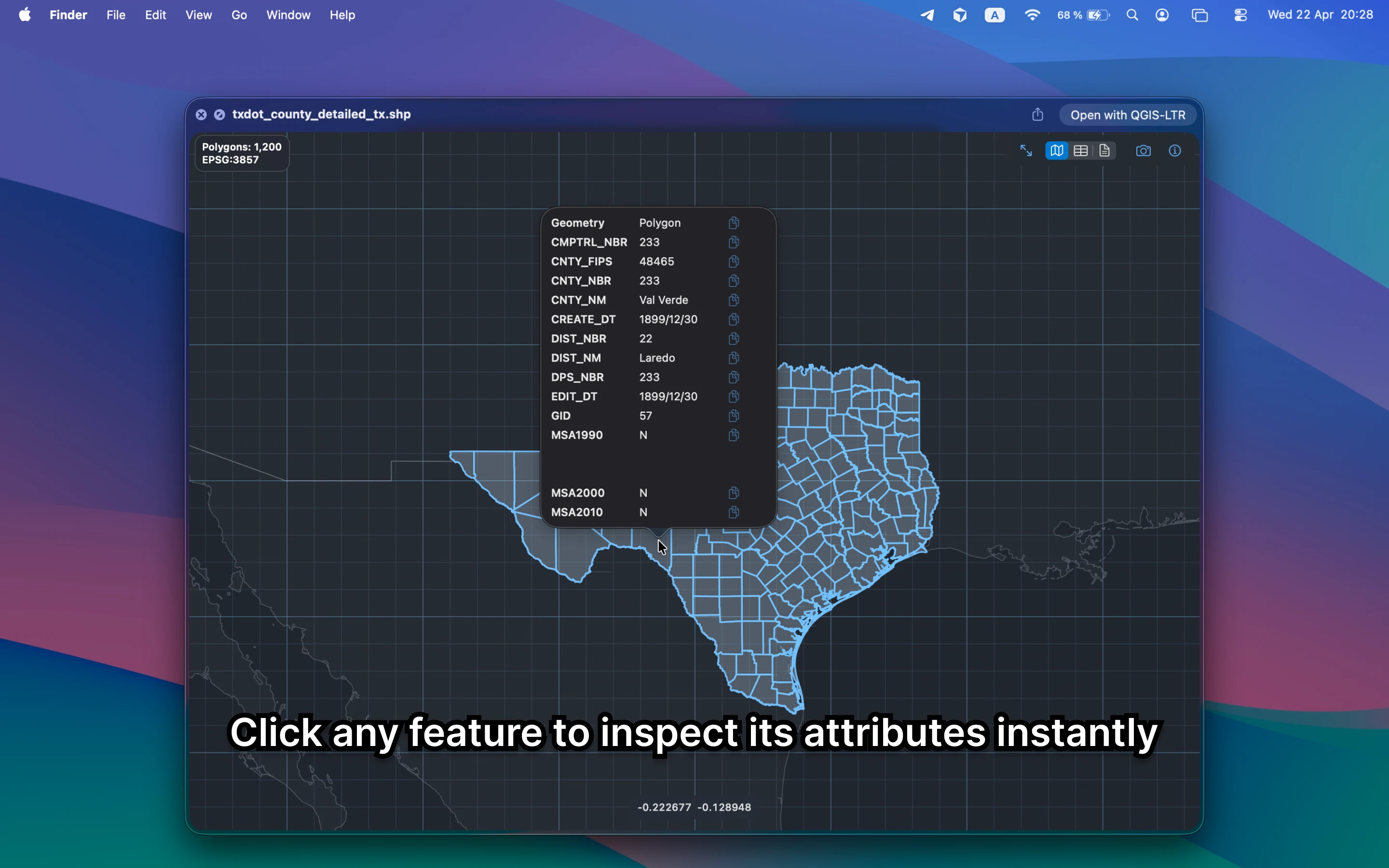
What should a Shapefile viewer on Mac handle?
It should cope with the sidecar-file reality of shapefiles and still show the map, fields, and metadata clearly. Finder alone does not do that, even though quick shapefile inspection is a common handoff task.
Fastest way to view a Shapefile on Mac
Keep the `.shp` file together with its sidecars, select it in Finder, and press Space. GeoPreview gives you the map, attribute context, and metadata without opening QGIS for a simple review.
Quick check before you use the file
A useful Shapefile viewer should let you confirm:
- that the `.shp` and companion files are present together
- geometry and coverage before you open a full GIS project
- attributes, bounds, and CRS before you send the file further downstream
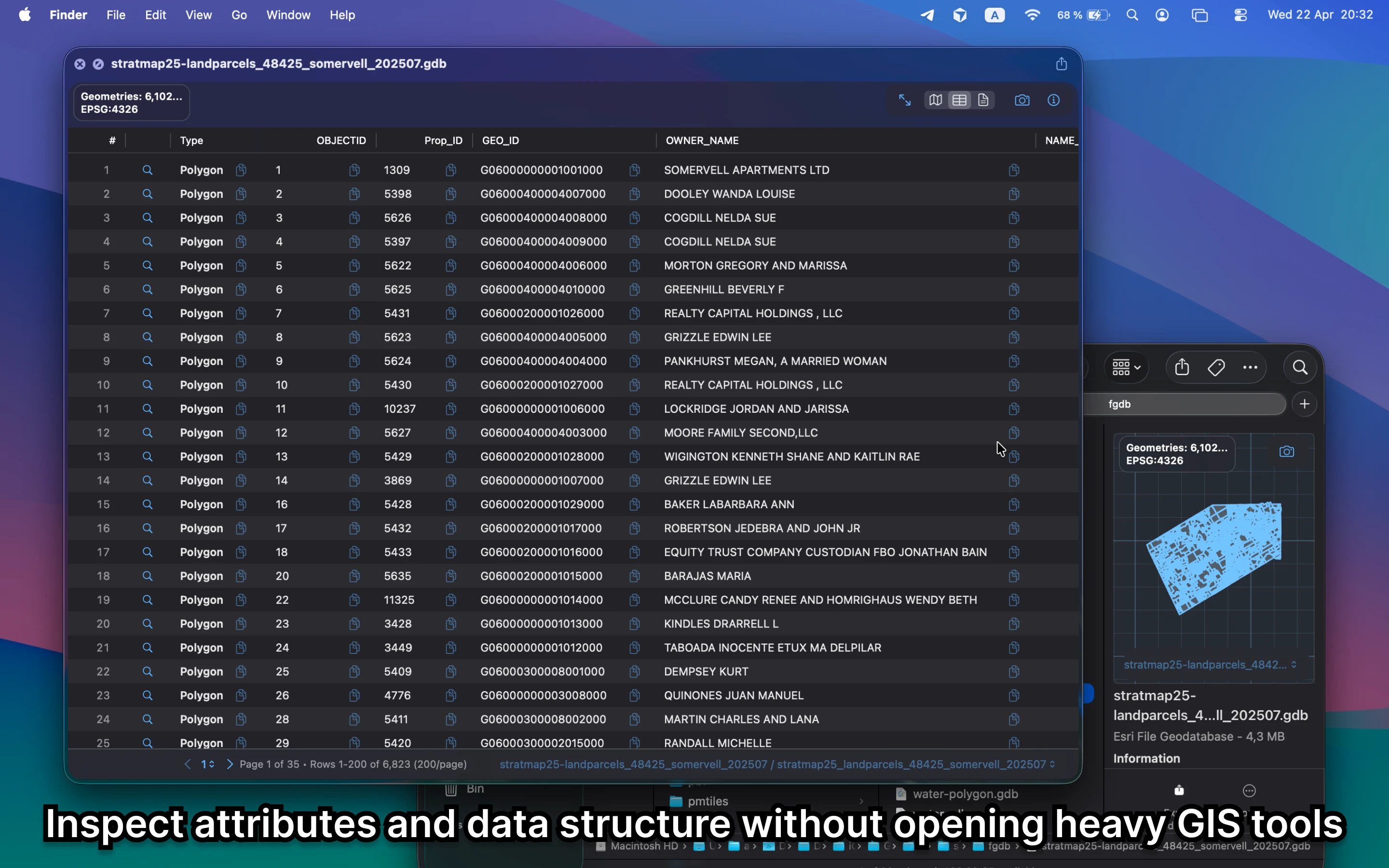
Alternative tools
QGIS is still the bigger shapefile tool when you need editing or analysis. Online shapefile viewers usually require several uploaded sidecar files together. GeoPreview is faster when you only need a local Mac preview.
Need to convert or export it?
After the preview, GeoPreview can handle supported exports from Finder. That is a better path when the job is lightweight and you do not want a full QGIS session.