
What should a File Geodatabase viewer on Mac show?
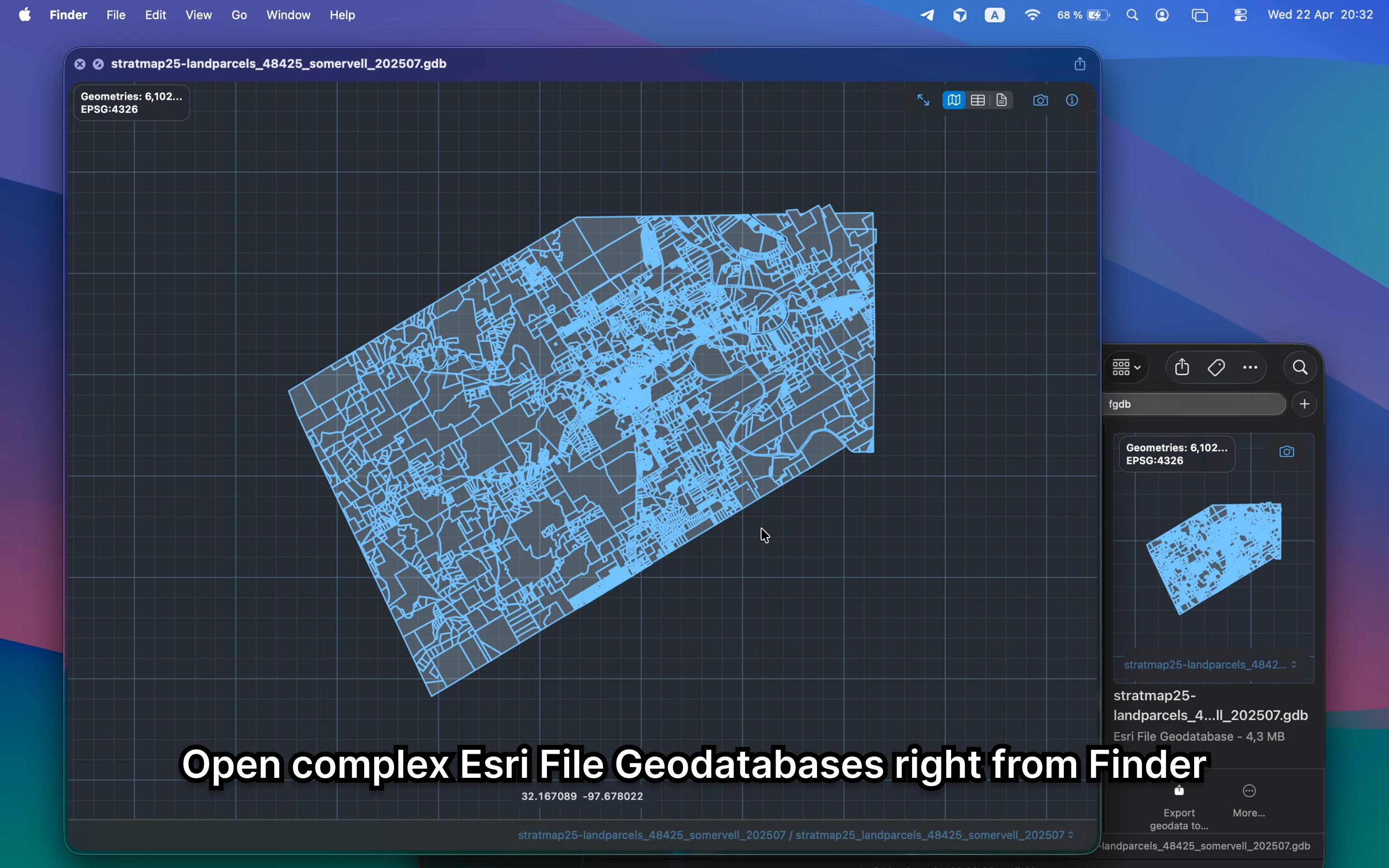
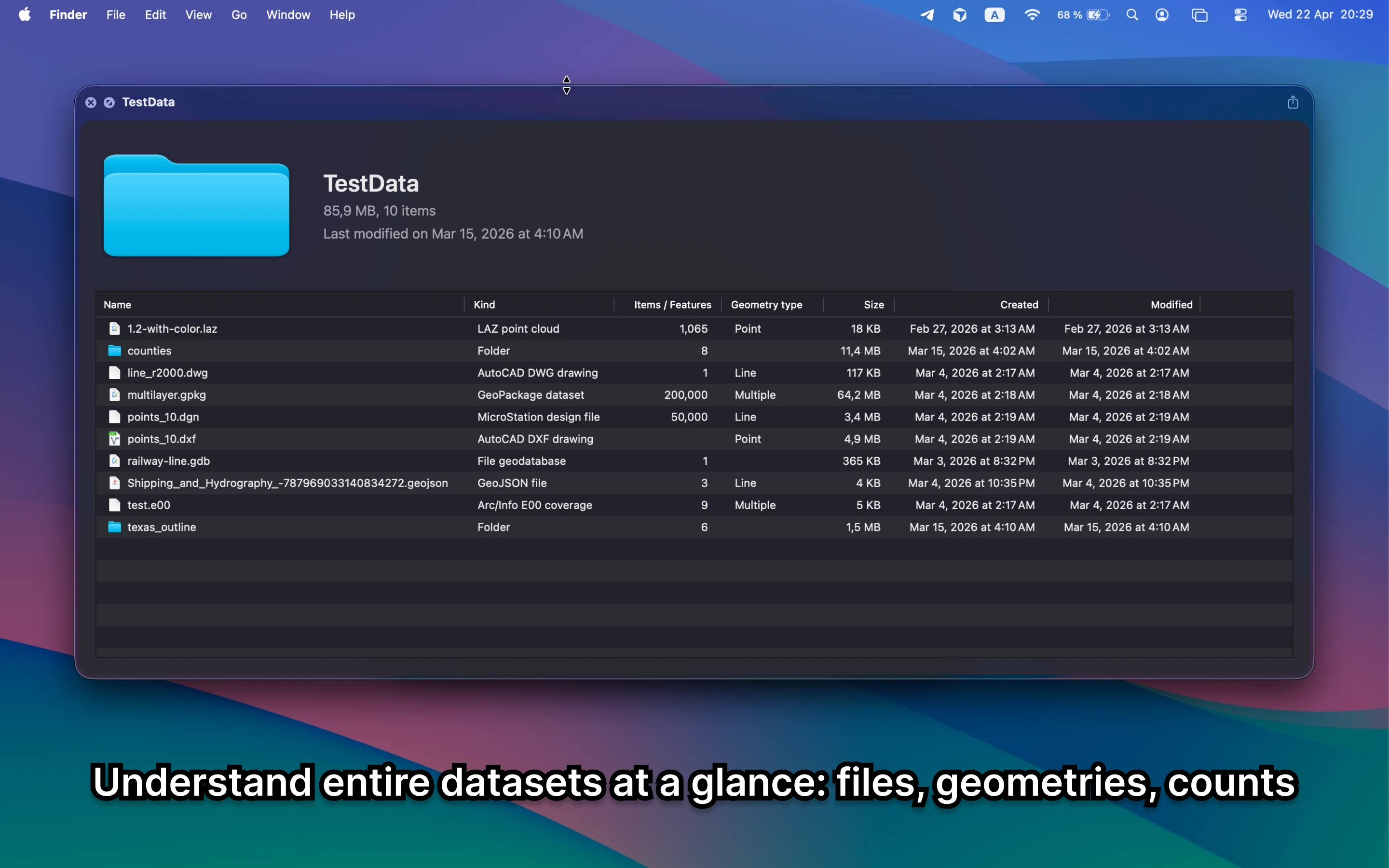
It should make the folder readable: layers, geometry, counts, and metadata should be visible before you open ArcGIS or QGIS. Finder alone only shows a folder structure, which is not enough for quick triage.
Fastest way to view a File Geodatabase on Mac
Select the `.gdb` folder in Finder and press Space. GeoPreview makes the container readable with geometry preview, layer context, and metadata instead of forcing you into a full GIS session immediately.
Quick check before you use the file
A useful File Geodatabase viewer should let you confirm:
- which layers are inside the container before you open a project
- counts, bounds, and metadata for the dataset you received
- that the folder is the right handoff before you share or convert it
Alternative tools
ArcGIS and QGIS are still the deeper tools for File Geodatabases, but they are slower than necessary when the first job is only to understand the folder and confirm the dataset on Mac.
Need to convert or export it?
Once the container is confirmed, GeoPreview keeps the preview and supported handoff workflow in the same place. That reduces the friction of opening a File Geodatabase just to inspect it and move it onward.